Educational services only — not medical care. Freshstkneeao offers workplace consulting and learning materials in the USA. We do not diagnose, treat, or promise health outcomes. Terms of Use · Privacy · Refund Policy
These articles and guides explain how desk work may influence posture awareness and everyday muscular tension during sedentary tasks. Content is general learning for USA workplaces—not diagnosis, treatment, rehabilitation, or prevention of any disease or injury.
Reading this material does not create a patient-provider relationship. For personal symptoms or injuries, contact a licensed healthcare professional in your state.
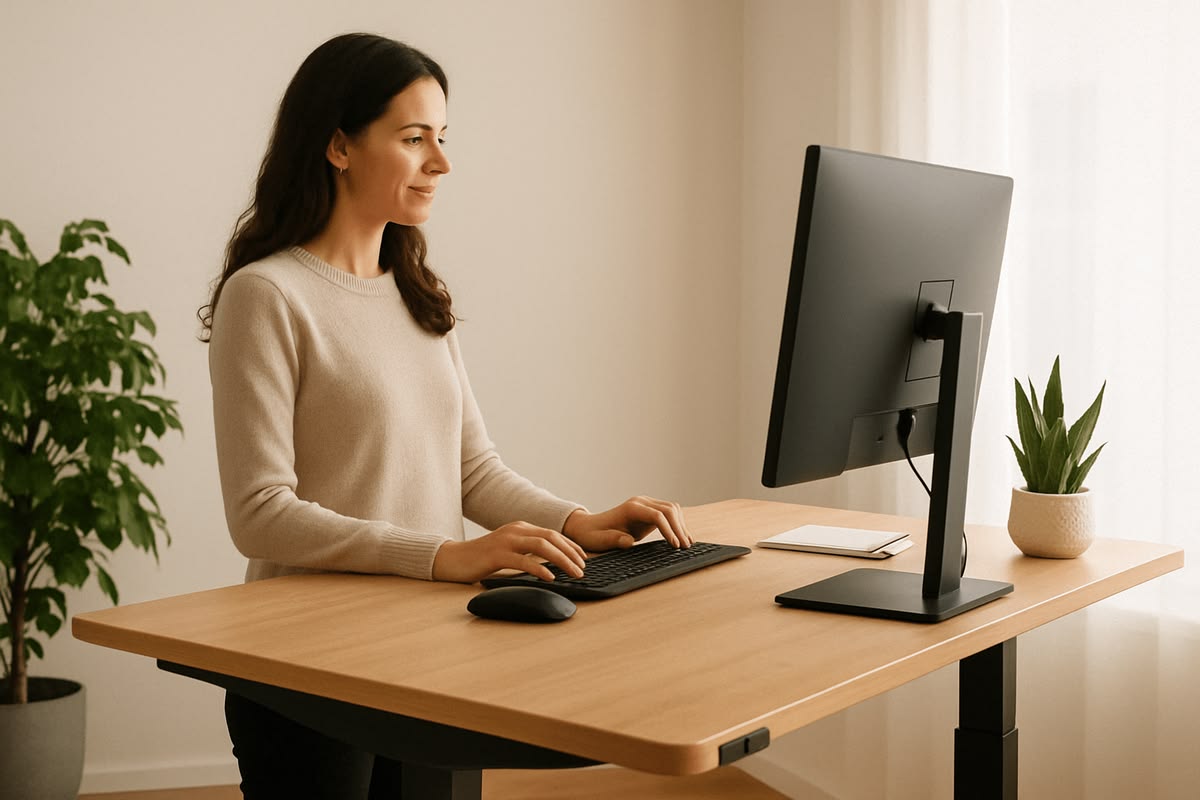
Educational demonstration of monitor and eye-level alignmentAwareness
Posture Is a Dynamic Habit, Not a Fixed Position
Remaining in one seated shape for hours may reduce circulation and increase perceived stiffness for some people. Shifting weight, changing foot placement, and briefly standing are common strategies discussed in workplace education—not prescribed interventions.
We teach employees to notice early signals—shoulder elevation, forward head carriage, or hip asymmetry—without labeling them as problems requiring intervention. Awareness alone often prompts voluntary adjustment.
Movement
Micro-Breaks That Fit Real Schedules
A two-minute pause every 30–45 minutes can interrupt static loading on spinal tissues. Our suggested sequences are gentle mobility drills suitable for business attire and shared workspaces.
Shoulder rolls
Standing hip shifts
Neck range practice
Wrist and forearm stretches
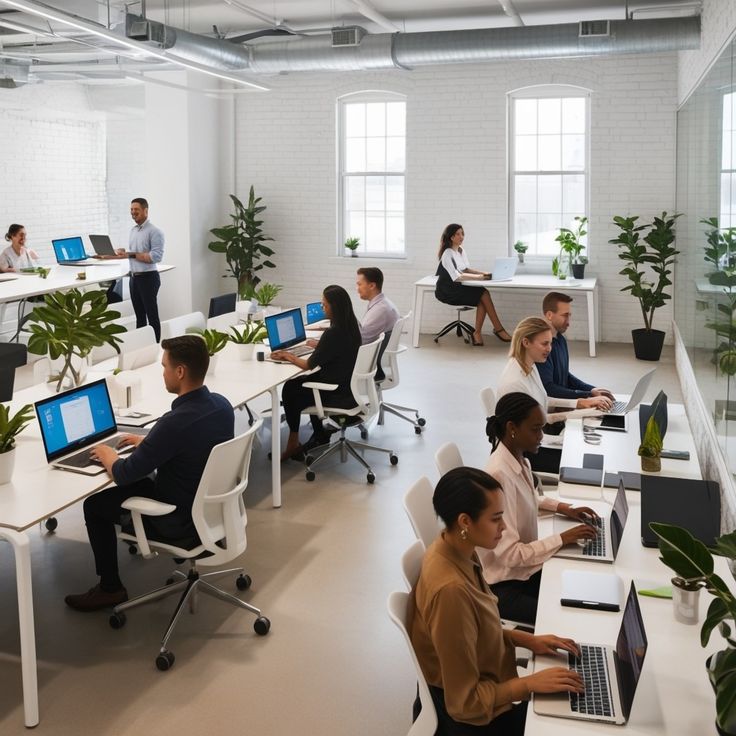
Team break culture supports consistent habit formation
Ergonomics
Equipment Principles Explained Clearly
Chair Height
Thighs parallel to the floor with feet flat. Lumbar support should contact the natural curve of your lower back region without forcing an exaggerated arch.
Monitor Distance
An arm's length away at minimum, with the top of the screen at or slightly below eye level to reduce upward neck tilt during reading tasks.
Keyboard Angle
Forearms near horizontal, wrists neutral. Split keyboards may help some typists but are optional—not mandatory for comfort education.
Lighting
Reduce glare to prevent leaning forward. Indirect light sources decrease eye strain that often correlates with slouched sitting.
Clarifications
Common Misconceptions We Address in Workshops
Adjustment technique often matters more than price. We show how to modify standard chairs before recommending upgrades.
Alternation is the goal. Extended standing carries its own load patterns. We teach rotation between positions.
No. Our resources complement—but never replace—care from licensed clinicians when an employee needs clinical support.
Further Reading
Topics Covered in Our Learning Library
Hybrid Work Transitions
Maintaining consistent habits between home and corporate desks.
Travel and Hot-Desking
Rapid setup checklists when equipment changes daily.
Stress and Muscle Tension
How workload rhythms influence physical holding patterns—discussed without clinical claims.
"Employees engage when education respects their intelligence. We avoid fear-based messaging and instead show repeatable setup steps they can verify themselves."
Content Disclaimer
All back health information published by Freshstkneeao is general and educational. It does not constitute medical advice, physical therapy, or chiropractic instruction. Individual experiences vary. Consult a qualified healthcare provider for personal health questions.
Bring These Resources to Your Team
Bundle educational modules with a live office program for structured rollout.